“`html
Mastering the Art of Self-Portraits: Expert Tips and Techniques
Taking self-portraits can be both an art and a science—it allows for a unique expression of individuality while also demanding technical skill and creativity. This blog will explore diverse methods, from using a 2/10 second timer delay to employing advanced drone technology. Along the way, you’ll learn about utilizing various tools like intervalometers, Wi-Fi capable cameras, and specialized camera apps, all aimed at empowering you to craft stunning self-portraits. Whether you’re a seasoned photographer or a beginner looking to experiment, these tips will help you broaden your skills with innovative techniques and modern advancements in photography technology.
How to Take a Self Portrait With a Remote or 2/10 Second Timer Delay
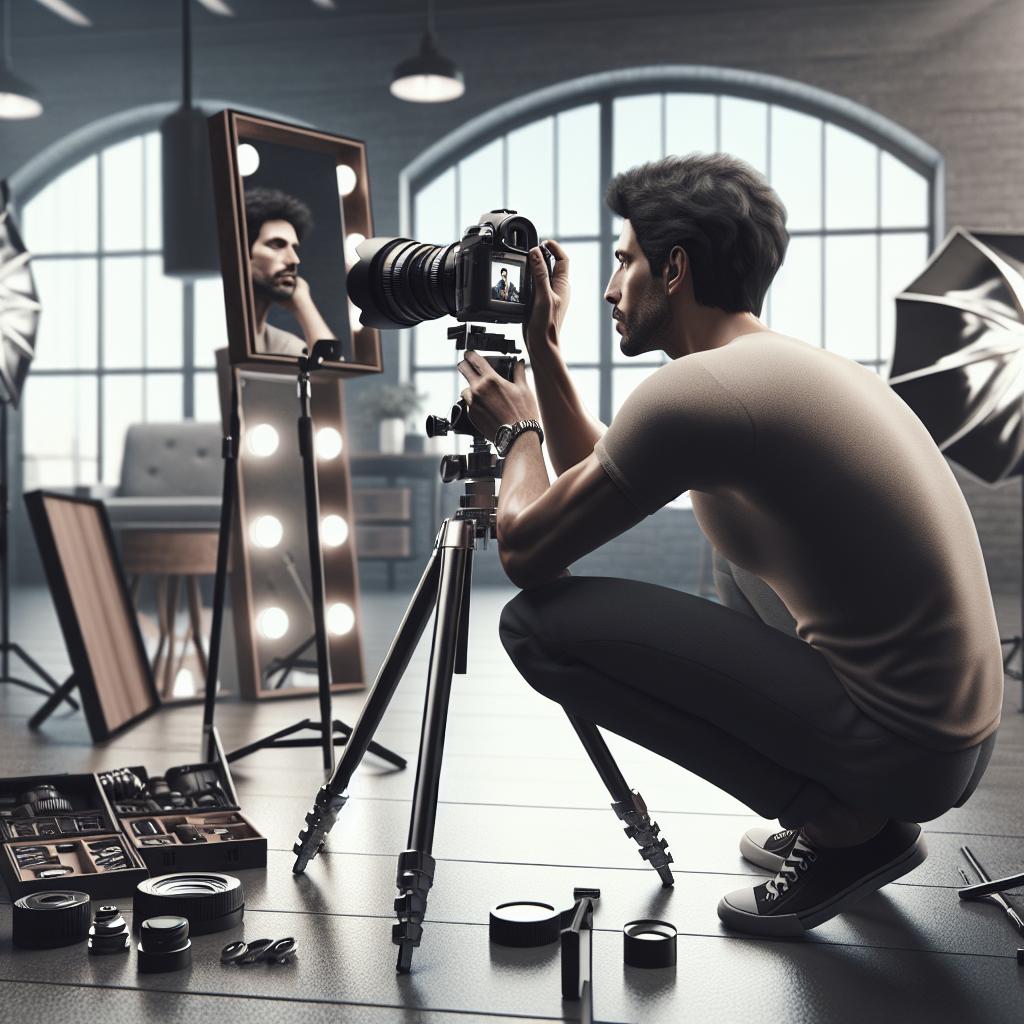
Using a remote or a timer is one of the simplest, yet effective techniques for capturing self-portraits. To start, you want to set your camera on a stable surface or mount it on a tripod. Ensure that you have framed your shot as you want it, factoring in elements such as lighting and background.
If you’re using the 2/10 second timer, set your desired delay and press the shutter. This time-lapse allows you to get into position and strike your pose, giving you a chance to convey the right mood or expression. If using a remote, ensure it is set up with your camera for seamless shooting. The advantage here is the controlled flexibility it gives while freeing your hands, enabling more complex or dynamic compositions.
How to Take a Self Portrait With a Wifi Capable Camera & the Canon Camera Connect App
Modern photography has been revolutionized by technology. For Canon users, the Canon Camera Connect App offers revolutionary integration that allows the camera to communicate with a smartphone wirelessly. Start by downloading and installing the app on your device. Next, connect your smartphone to your camera’s Wi-Fi.
This connectivity empowers you to remotely adjust camera settings, monitor through live view, and snap shots—all from your phone. This is especially handy when exploring vantage points or incorporating intricate setups. The app provides greater creative freedom and ensures you see exactly how your portrait will appear before you take the shot, thus offering a higher level of precision and control over your self-portraits.
How To Take a Self Portrait With a Plug-In Intervalometer
An intervalometer expands photography boundaries by allowing you to take multiple shots automatically over a specified period. Plug a compatible intervalometer into your camera, set the desired intervals, and let the magic unfold. This tool is essential for capturing action-oriented self-portraits or experimenting with time-lapse photography.
With the ability to shoot repeatedly without manual intervention, creativity is boundless. You can step into the frame as the intervalometer does the continuous shooting job, enabling you to use settings like capture rate and duration according to your project’s demands. This level of automation also encourages experimentation with poses and scenarios, pushing your portraiture creativity beyond conventional boundaries.
How To Take Self Portraits With a Built-In Intervalometer
Some modern cameras come equipped with a built-in intervalometer function. This feature brings convenience to photographers looking to work without extra accessories. To use this, navigate through your camera’s menu settings and search for the intervalometer option.
Once located, customize the settings to suit your creative goals: determine interval time, number of shots, and when to begin capturing. This feature is a surefire way to delve into continuous shooting techniques without the physical necessity of a remote or plug-in device, streamlining the process while maximizing creative exploration.
How to Take Self Portraits With a Drone
Drone photography offers exciting possibilities by capturing unconventional angles and expanding the scope of self-portraiture to new horizons. Deploying a drone for self-portraits requires careful planning and execution. Start by familiarizing yourself with your drone’s operations and remote control configurations.
Once comfortable, find an open area that suits your vision, ensuring your settings are in place for high-quality results. Consider different altitudes and angles to experiment with the aesthetics of the shot. Utilizing a drone effectively opens a gateway to creative, dynamic, and breathtaking self-portraits that traditional methods seldom provide. It’s crucial to adhere to legal and safety guidelines while maximizing the technological benefits drones offer.
Tools you’ll need to take self portraits.
Before embarking on your self-portrait journey, certain tools enhance the process significantly. For traditional methods, essentials include a sturdy tripod, a reliable camera, and a remote or timer device—these simplify initial tasks and aid in basic compositions.
For more advanced techniques, tools like Wi-Fi capable cameras paired with settings applications, plug-in intervalometers, built-in intervalometer functions on cameras, and drones, form the core of the toolkit. Each tool offers different capabilities and utilities based on what you want to achieve, bridging gaps between conventional strategies and modern technology-driven approaches.
Final Thoughts
| Method | Description | Key Tools |
|---|---|---|
| Remote or 2/10 Second Timer | Use a timer delay for simple, hands-free shots | Camera, tripod, remote/timer |
| Wi-Fi Camera & Canon App | Utilizing apps for wireless connectivity and shooting | Wi-Fi camera, Canon Camera Connect App |
| Plug-In Intervalometer | Take automatic sequential shots | Intervalometer, Camera |
| Built-In Intervalometer | Internal camera function for interval shooting | Camera with Intervalometer function |
| Drone | Capture aerial and unique perspectives | Drone and controller |
“`